










Download Our App
Your store, only one tap away.
Install the EJUICEUSAMURAH app on your home screen for convenient access to our store, your orders and important updates—without downloading anything from an app store.
 EJUICEUSAMURAH
Home-screen shopping app
EJUICEUSAMURAH
Home-screen shopping app
Installation made simple
Our installation page detects your device and shows the correct method automatically.
Android
Tap the install button. When supported, Chrome or your Android browser will open the native app installation prompt directly.
iPhone and iPad
You will see the correct Safari instructions showing how to use Share and select Add to Home Screen.
Computer
Open the installation page on a computer and scan the displayed QR code to continue installation on your phone.
Designed for mobile shopping
Everything you need from our store in a convenient home-screen experience.

Quick store access
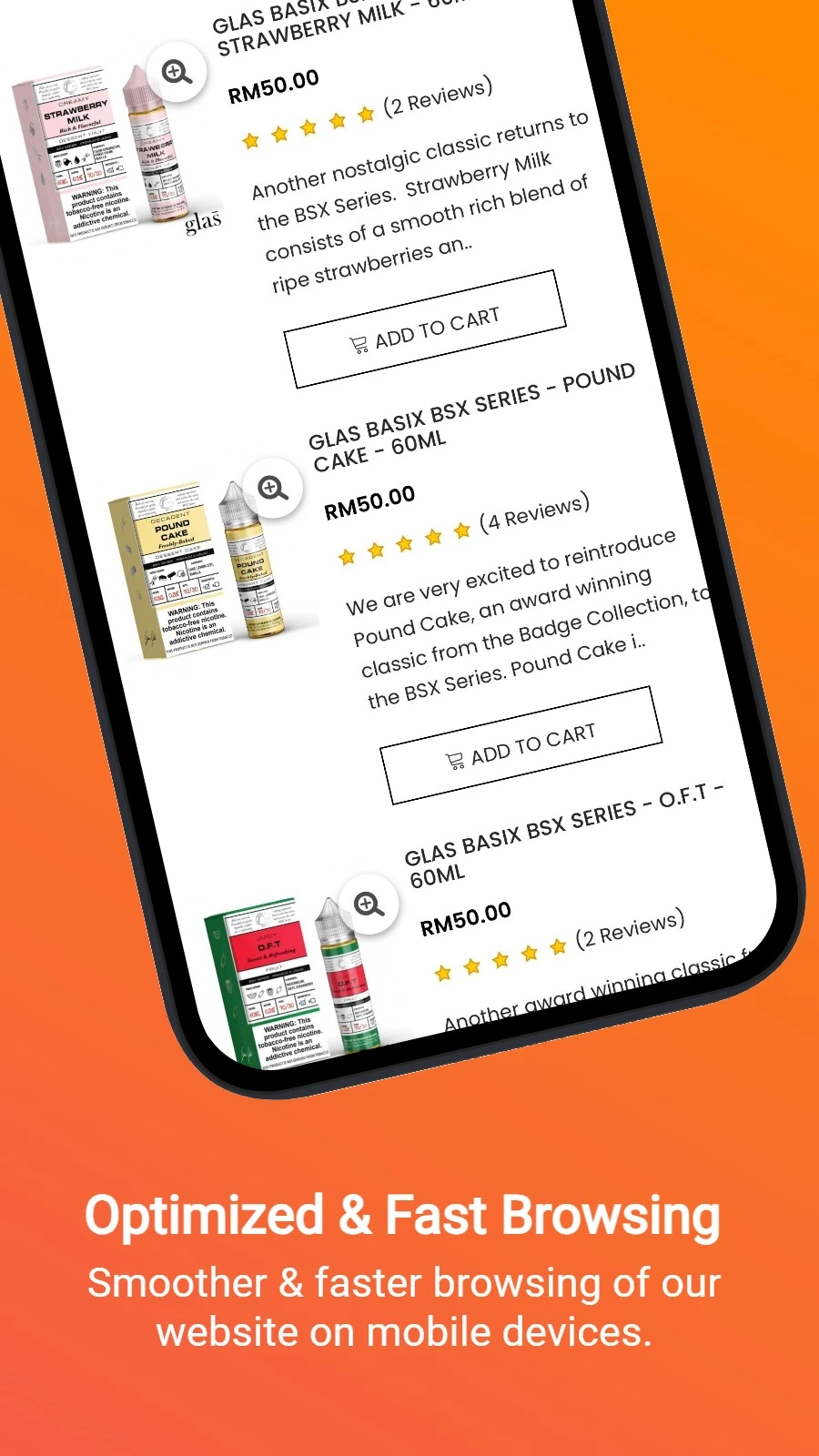
Open the store directly from your home screen without searching for the website each time.
Orders and updates
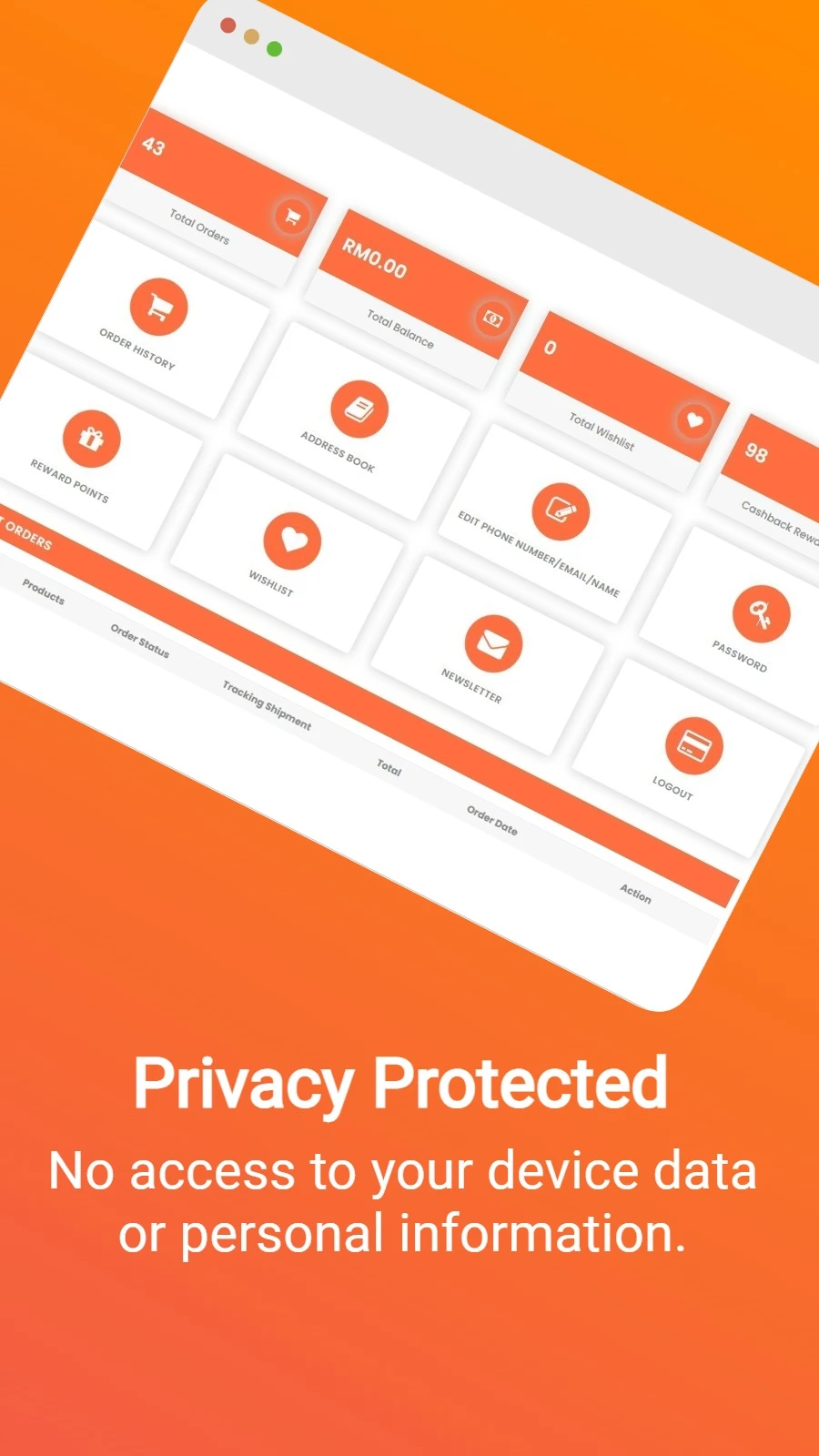
Access your account, order information and important store updates from one convenient place.
Alerts you control
Notifications are optional. Choose the updates you want and change your preferences whenever you like.
A direct, secure installation
The EJM app is installed directly through your browser. There is no separate app-store account, large download or manual app update to manage.
The app connects securely to our current store experience. An internet connection is required to view current products, access your account, check orders and complete checkout.
For important order and store-access updates, you may also enable notifications after installation. You remain in control of which notification categories you receive.
Ready to install?
Open the official EJM installation page and follow the instructions prepared specifically for your device.
Install the EJM App